Web App UX Case Study
I redesigned the Hum Hain landing page and more than 33+ key web app screens to build trust, simplify onboarding, and make daily-premium health insurance easier to understand for Indian families.
Hum Hain is a low-cost daily health insurance platform designed to give families affordable, subscription-style coverage with small ₹25/day contributions.
Project Snapshot
• Platform: Marketing website + Web app
• Domain: Health insurance / Insurtech
• Scope: Landing page redesign & 33+ web UX screens
• My Role: UI/UX Designer (solo)
Key Responsibilities
• UX audit & heuristic review of existing experience
• Landing page information architecture & UI design
• Web onboarding, KYC, payment & dashboard UX
• Collaboration with development team for handoff
01
Full landing page redesigned for trust & clarity
33+
Web app screens across onboarding, KYC, payment, dashboard & policy flows
100%
UX ownership with dev-team collaboration
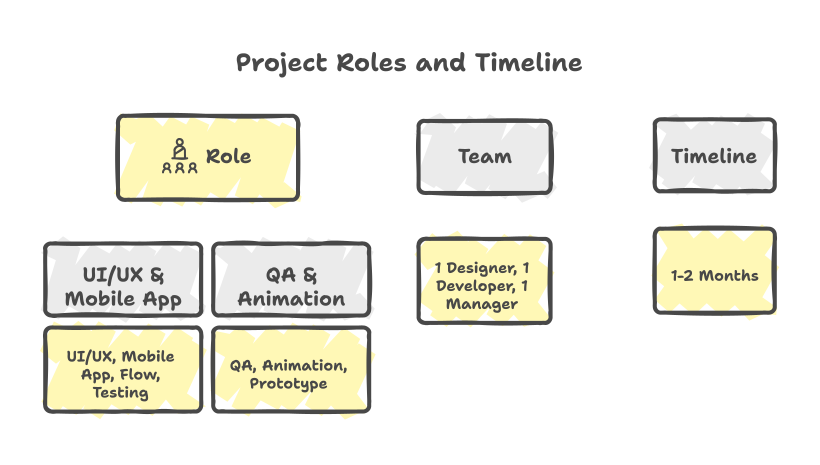
The product already had a strong insurance offering, but the website and web app didn’t clearly explain the daily-premium value or guide first-time users through online onboarding and purchase. The team needed a landing page that inspires trust and a web experience that feels simple, even for non-technical users buying health insurance online for the first time.
Goals
• Make the value of “₹25/day protection” easy to understand.
• Build trust using visuals, testimonials and clear benefits.
• Simplify web onboarding, KYC and payment flows.
• Reduce friction for first-time users and families.
My Approach
• Performed UX audit of old flows and content.
• Re-structured landing sections for a natural story.
• Broke down KYC and payment into smaller, guided steps.
• Used the brand’s yellow/blue identity in a cleaner, modern layout.
Landing Page
The landing page was redesigned to answer a simple question quickly: “What do I get for ₹25/day?” I used clear benefit blocks, family-focused imagery, app download CTAs and FAQ sections to guide users towards trying the product with confidence.

Web App UX
Improving Web Onboarding & Purchase
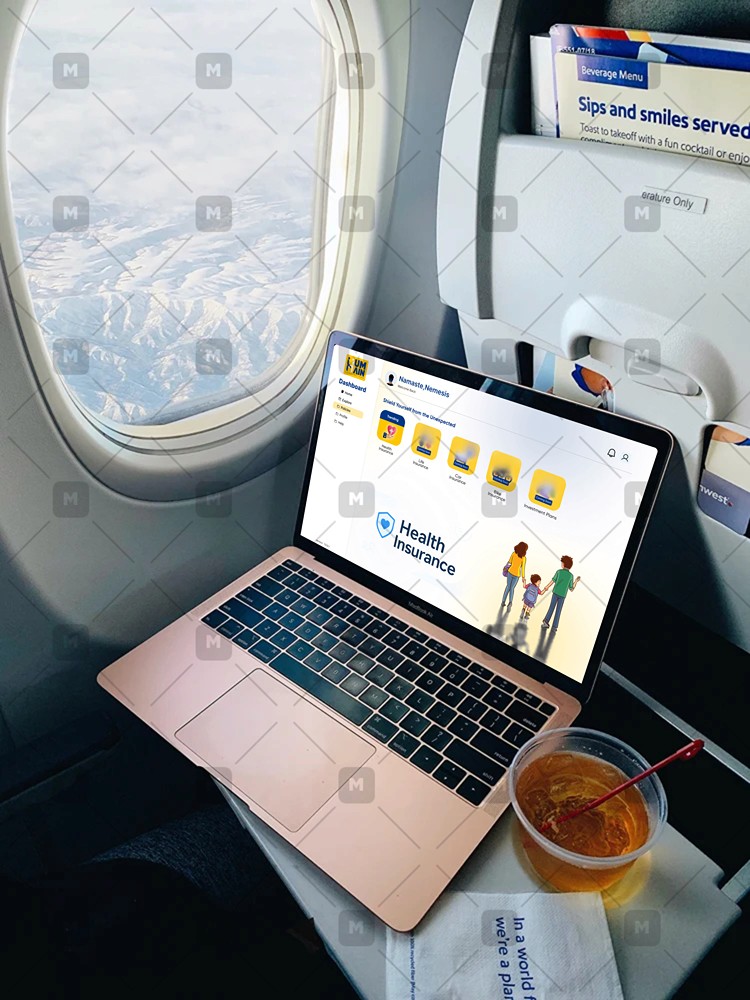
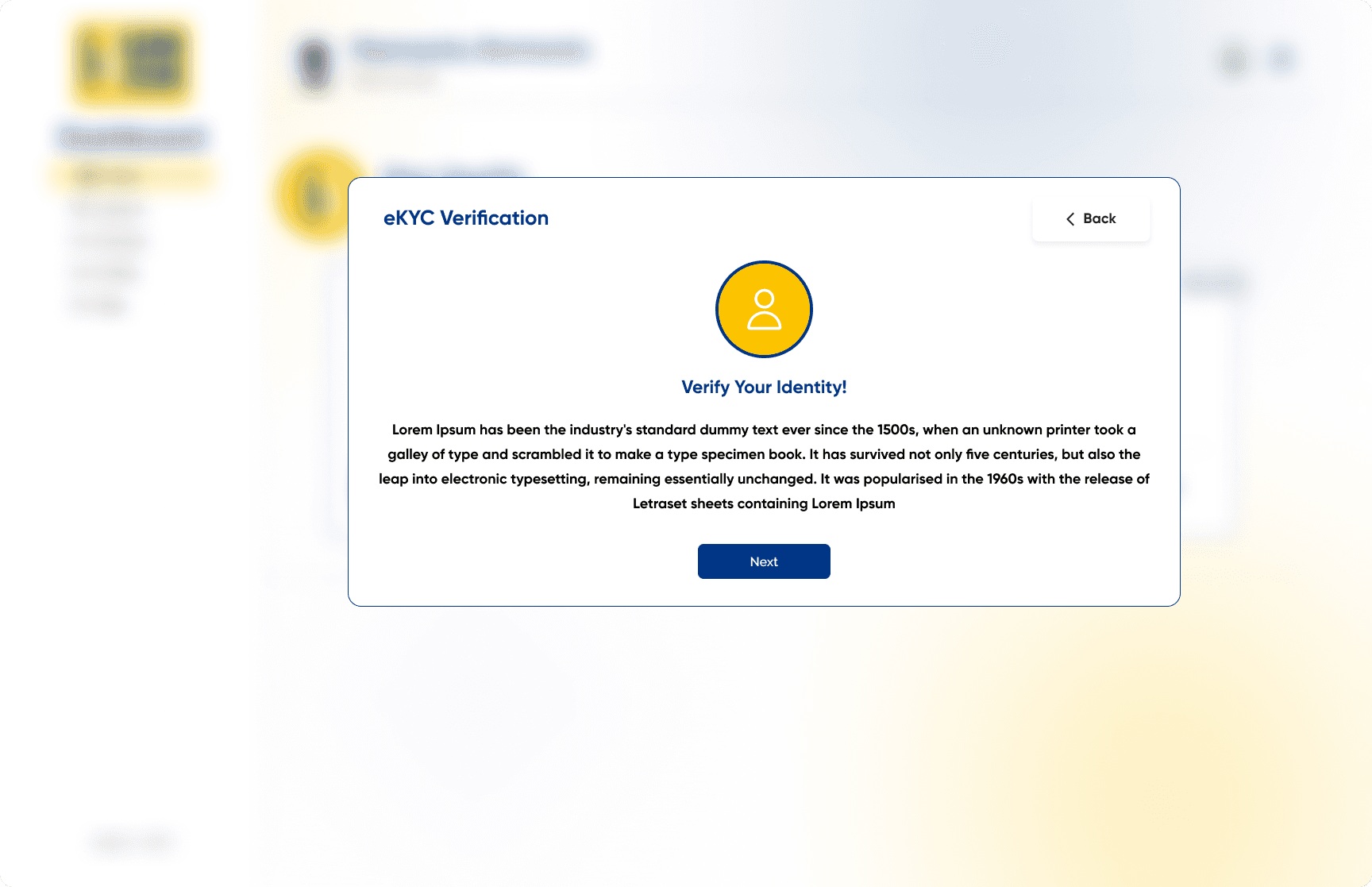
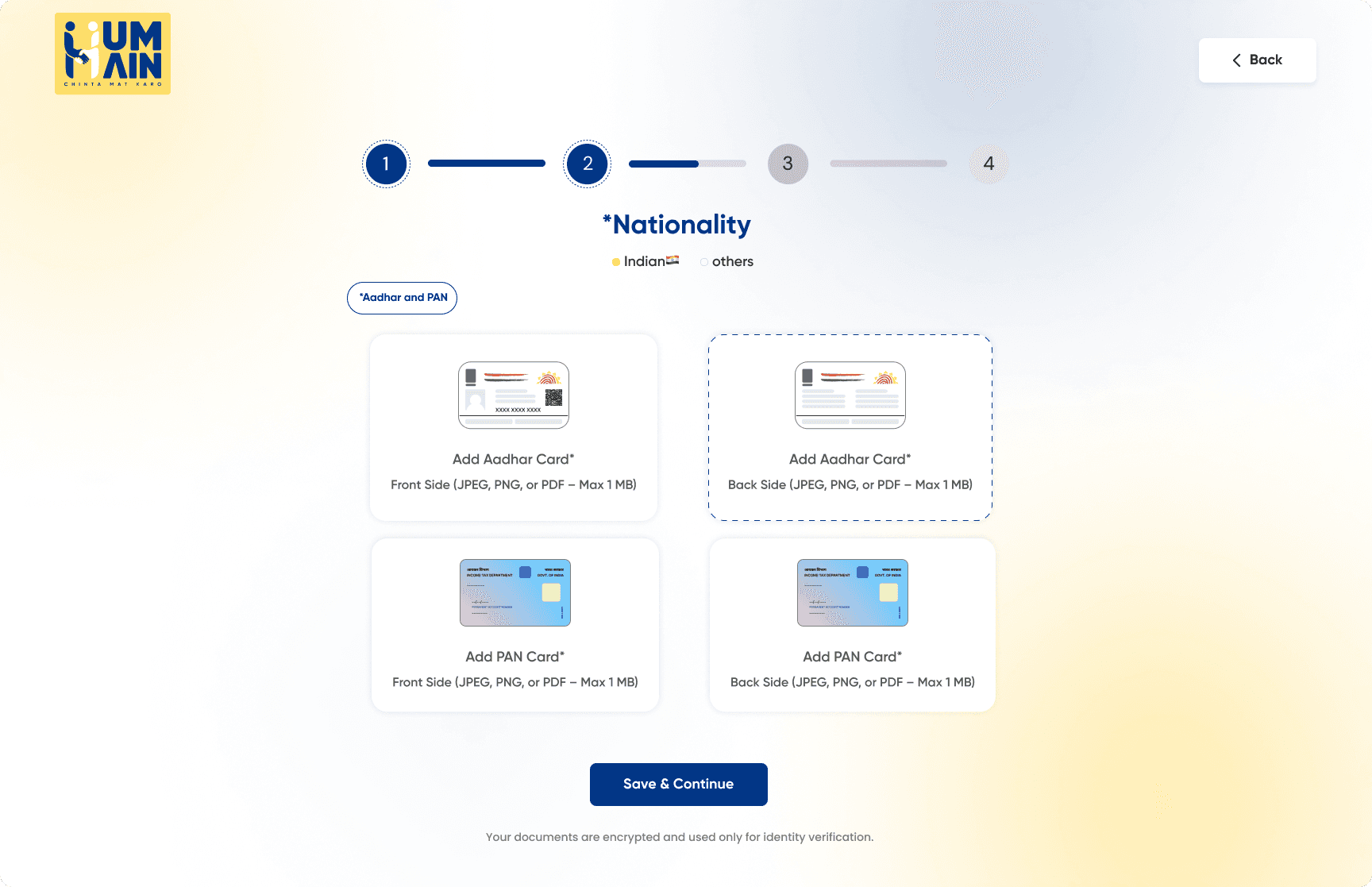
I refined the entire 33+ screen onboarding flow—from login and OTP to KYC, plan selection, payment and confirmation.

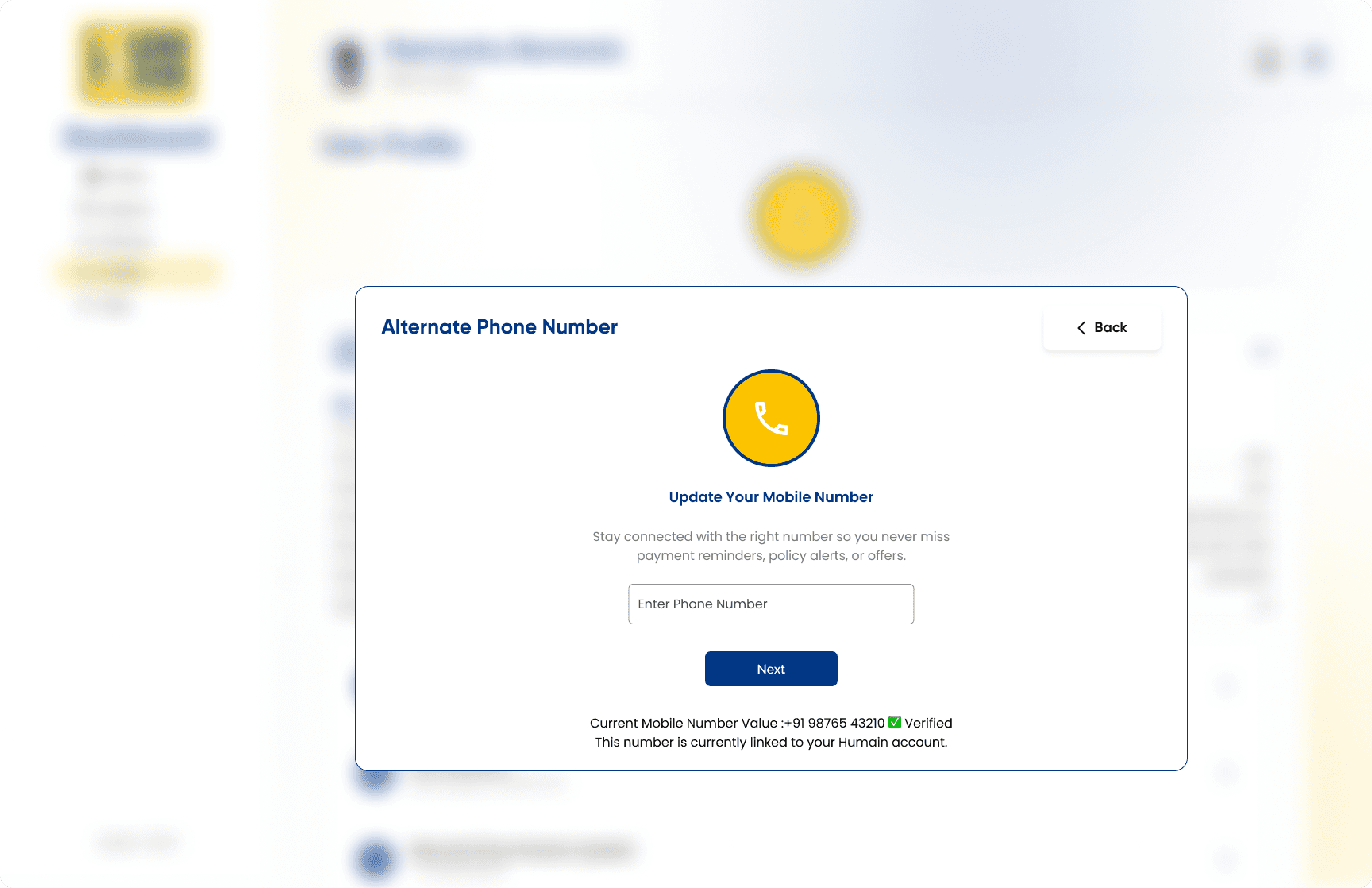
Key Screens
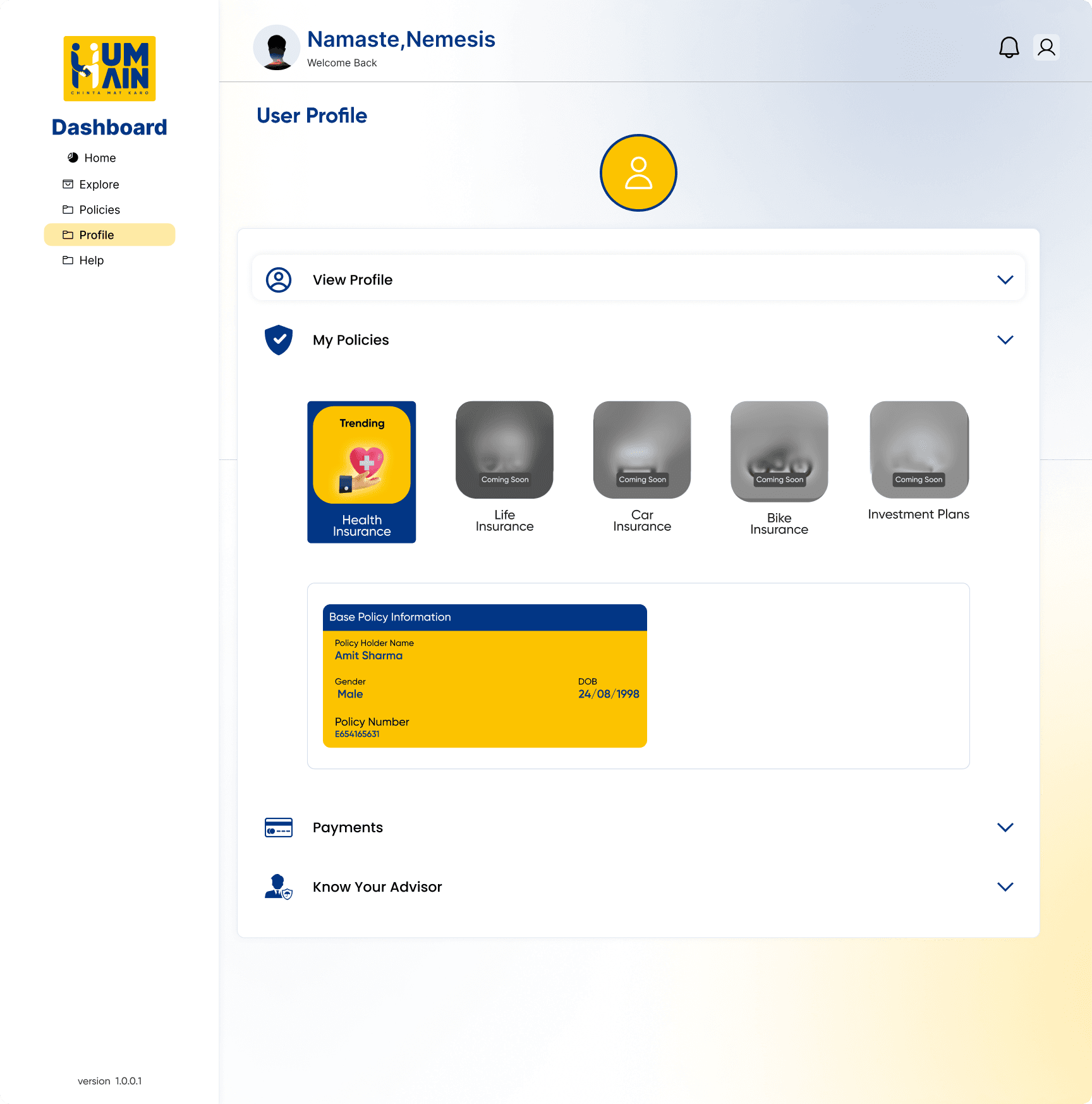
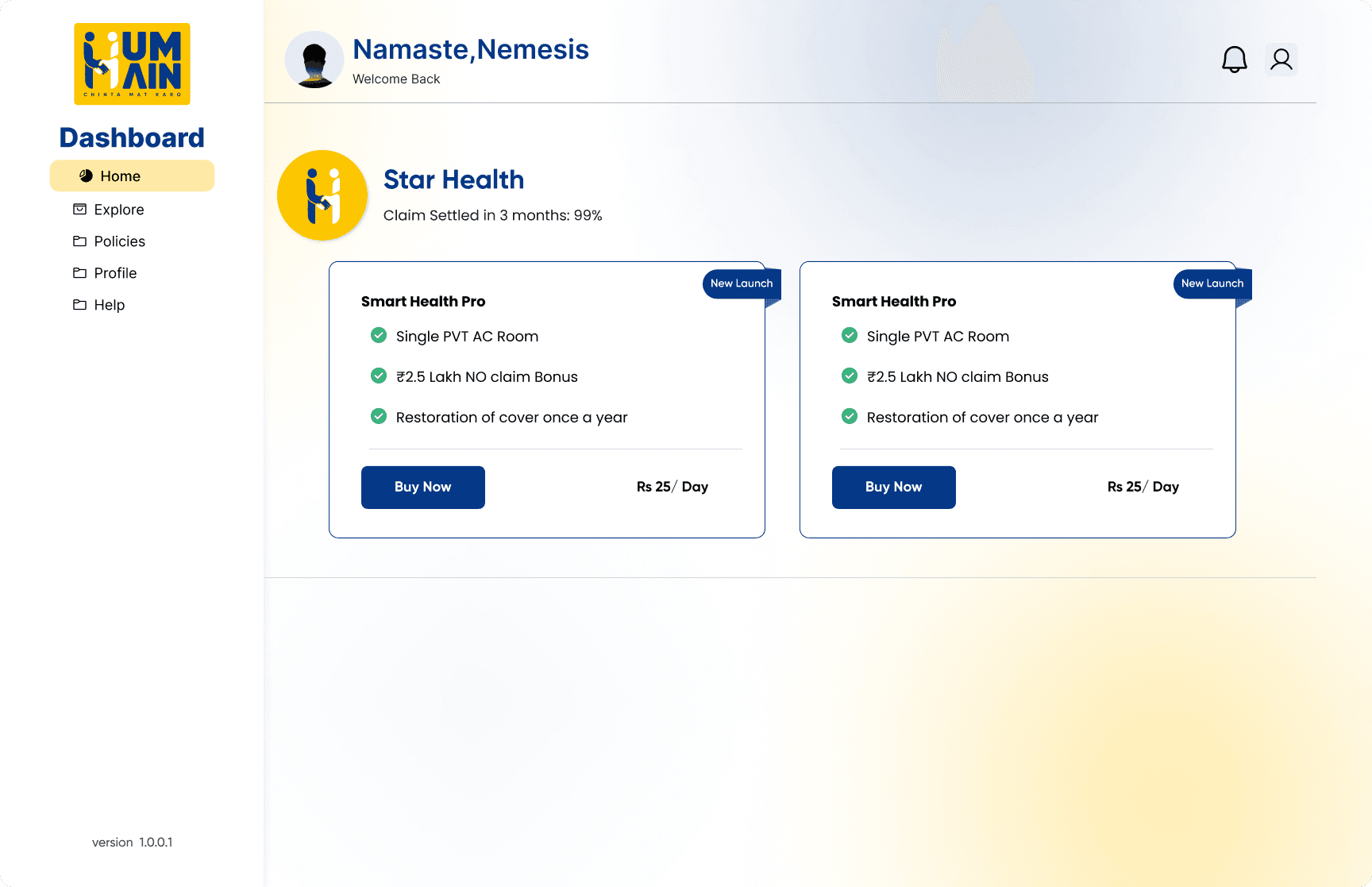
I refined the dashboard to highlight active plans, upcoming payments and quick actions. The goal was to make it easy for families to see “Am I covered?” and “What is due next?” at a glance.
Story-Driven Landing Page
Re-ordered sections to tell a clear story: daily cost → benefits → trust → how it works → FAQs. This structure helps users understand value before asking for their time or data.
Landing UX
Landing UX
Landing UX
Landing UX
Landing UX
Conversion
Conversion
Conversion
Conversion
Conversion
Trust Design
Trust Design
Trust Design
Trust Design
Trust Design
Guided Onboarding & KYC
Broke down long forms into guided steps with progress indication, which reduces user anxiety and makes complex insurance information feel manageable.
Form UX
Form UX
Form UX
Form UX
Form UX
Progress Indicators
Progress Indicators
Progress Indicators
Progress Indicators
Progress Indicators
Friction Reduction
Friction Reduction
Friction Reduction
Friction Reduction
Friction Reduction
Clean Payment & Status States
Designed clear payment summary, error handling, loading and success messages. This helps users trust that their policy and money are handled correctly.
Payment UX
Payment UX
Payment UX
Payment UX
Payment UX
Feedback
Feedback
Feedback
Feedback
Feedback
Microcopy
Microcopy
Microcopy
Microcopy
Microcopy
Dashboard Clarity
Focused the dashboard on what matters: current coverage, upcoming payments and key actions. Reduced visual noise and made navigation consistent with the rest of the system.
Dashboard UX
Dashboard UX
Dashboard UX
Dashboard UX
Dashboard UX
Information Architecture
Information Architecture
Information Architecture
Information Architecture
Information Architecture
System Thinking
System Thinking
System Thinking
System Thinking
System Thinking
The new Hum Hain experience is easier to understand for families exploring health insurance online. Internal reviews from stakeholders and the dev team highlighted smoother flows, fewer edge cases and a landing page that finally “explains the product in one scroll”.
• Reduced friction across onboarding and purchase flow.
• Increased clarity of daily pricing model (“₹25/day”).
• Improved trust perception with refined visual hierarchy.
• More consistent UX between website and web app.
• Figma for UI/UX design and component systems.
• FigJam / whiteboard for mapping flows and structure.
• Continuous feedback loop with developers.
Some screens use placeholder data and simplified layouts to respect client confidentiality. This case study focuses on my UX decisions and problem-solving, not on exposing real customer information.